Getting a PSA document for a PhilHealth transaction just became more convenient.
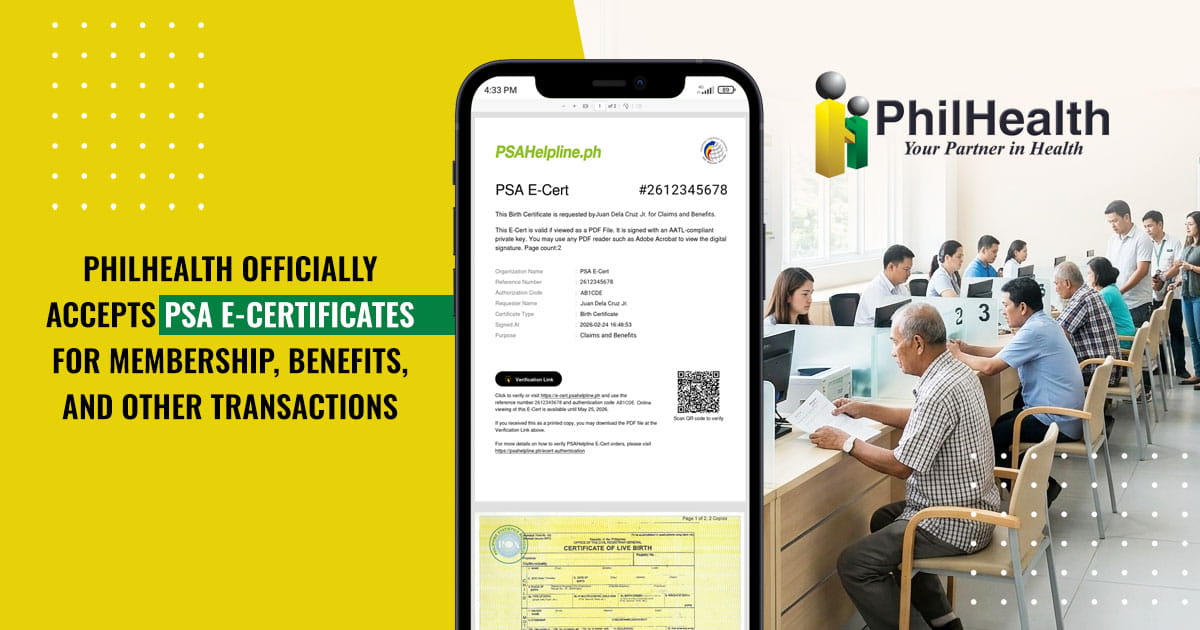
The Philippine Health Insurance Corporation (PhilHealth) has officially announced that PSA E-Certificates shall be honored and accepted for PhilHealth transactions that require civil registry documents issued by the Philippine Statistics Authority (PSA).
The announcement, signed on September 23, 2026, covers transactions involving PhilHealth members, beneficiaries, accredited health care providers, partner institutions, and other stakeholders.
For Filipinos who need to submit a PSA birth, marriage, death, or other civil registry document to PhilHealth, this means a properly issued PSA E-Certificate can now be used as an official digital alternative to the paper certificate, where applicable.
Table of Contents
- What Exactly Did PhilHealth Announce?
- What Does This Mean for PhilHealth Members and Dependents?
- Can People Applying for PhilHealth Use a PSA E-Certificate?
- What Makes a PSA E-Certificate Different from a Scanned Copy?
- Important: Submit the Original E-Certificate PDF
- How Can You Get a PSA E-Certificate?
- What PhilHealth Transactions Can Use a PSA E-Certificate?
- A More Convenient Option When You Need a PSA Document for PhilHealth
- Frequently Asked Questions About PSA E-Certificates and PhilHealth
What Exactly Did PhilHealth Announce?
PhilHealth said that PSA E-Certificates must be recognized and accepted for transactions requiring PSA-issued civil registry documents.
These include:
- PSA Certificate of Live Birth
- PSA Certificate of Marriage
- PSA Certificate of Death
- Certificate of No Marriage Record (CENOMAR)
- Certificate of No Death Record (CENODEATH)
PhilHealth specifically stated that these E-Certificates may be submitted for purposes such as membership registration, record amendment or updating, benefit availment, claims processing, and other PhilHealth-related transactions, where applicable.
The policy applies to both onsite and online transactions.
This is particularly helpful for people who need to submit civil registry documents but would rather not wait for a physical copy to be delivered before they can proceed with their PhilHealth transaction.
What Does This Mean for PhilHealth Members and Dependents?
For existing PhilHealth members, PSA documents may be needed when updating records or completing certain transactions involving their personal or family information.
For example, a member may need a PSA Birth Certificate to support a particular record or membership-related requirement, or a PSA Marriage Certificate when documenting a change in marital status or a relationship relevant to PhilHealth benefits.
Dependents may also need civil registry documents to establish or support their relationship to a PhilHealth member, depending on the transaction and applicable requirements.
Meanwhile, people who are not yet PhilHealth members may encounter civil registry requirements when registering or completing their membership records.
The important thing to remember is that PhilHealth's acceptance of the PSA E-Certificate does not mean every transaction automatically requires a PSA document. The specific documents required will still depend on the transaction and the individual's circumstances.
What has changed is that when a PSA civil registry document is required, an eligible PSA E-Certificate can now be submitted instead of relying solely on a physical PSA certificate.
Can People Applying for PhilHealth Use a PSA E-Certificate?
Yes, where the applicable PhilHealth transaction requires a PSA civil registry document and accepts the E-Certificate.
PhilHealth's announcement specifically covers membership registration, along with record amendment or updating, benefit availment, claims processing, and other applicable PhilHealth transactions.
This means that people registering for PhilHealth should not automatically assume they need to obtain a physical PSA certificate if the relevant requirement permits submission of a PSA E-Certificate.
As with any government transaction, applicants should still check the specific documentary requirements for their particular PhilHealth registration or transaction.
What Makes a PSA E-Certificate Different from a Scanned Copy?
A PSA E-Certificate is not simply a photograph or scanned image of a PSA certificate.
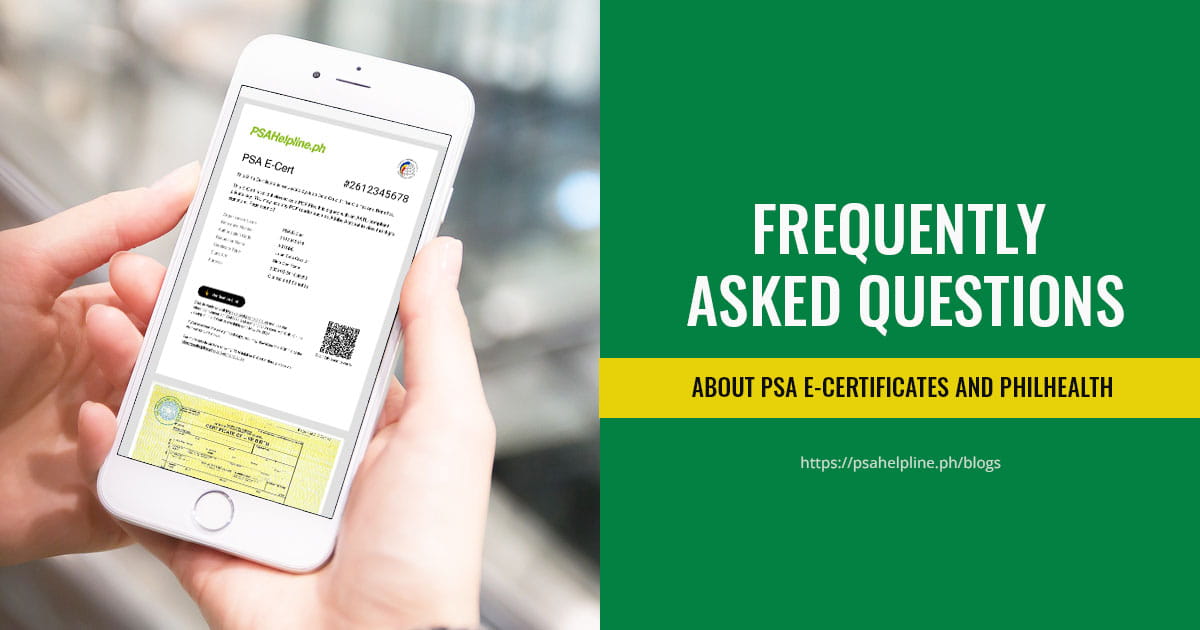
It is an official digitally signed PDF generated from the PSA's database. It contains security and verification features, including an Adobe Approved Trust List (AATL) digital signature, QR code, Reference Code, and Authorization Number.
These features allow receiving institutions to verify whether the document is authentic and whether its digital contents have been altered.
A receiving office can verify the E-Certificate through its QR code or by using the document's verification credentials. The digital signature can also be checked using compatible Adobe Acrobat software.
This distinction is important when submitting documents online. A screenshot or photo of an E-Certificate does not provide the same verification features as the original digital PDF.
To know more about the PSA E-Certificate, read this: PSA E-Certificate Now Available Through PSAHelpline.ph: Complete Guide to the Official Digital PSA Certificate
Important: Submit the Original E-Certificate PDF
If PhilHealth asks you to submit your PSA E-Certificate online, upload the original downloaded PDF whenever the submission system allows it.
Do not convert it into a screenshot or photograph.
The original PDF preserves the digital signature and other verification features that help the receiving institution confirm that the document is genuine and has not been altered.
For onsite PhilHealth transactions, PhilHealth's announcement states that the printed copy presented must be clear and legible.
For submissions through the PhilHealth Member Portal, the E-Certificate uploaded should likewise be clear and legible.
In short: submit the original digital PDF for online transactions, and if you need to present a printed copy onsite, make sure the printout is clear and readable.
How Can You Get a PSA E-Certificate?
The PSA E-Certificate Service allows you to request five types of civil registry documents online:
- PSA Birth Certificate
- PSA Marriage Certificate
- PSA Death Certificate
- CENOMAR
- CENODEATH
The process is completed online through PSAHelpline.ph. You select the document you need, provide the required information, pay online, complete identity verification, and wait for the PSA to release the document.
Once released, you can access and download your official digitally signed E-Certificate.
Because the document is digital, you can submit the original PDF for an online PhilHealth transaction that accepts PSA E-Certificates instead of waiting for a physical certificate to arrive.
What PhilHealth Transactions Can Use a PSA E-Certificate?
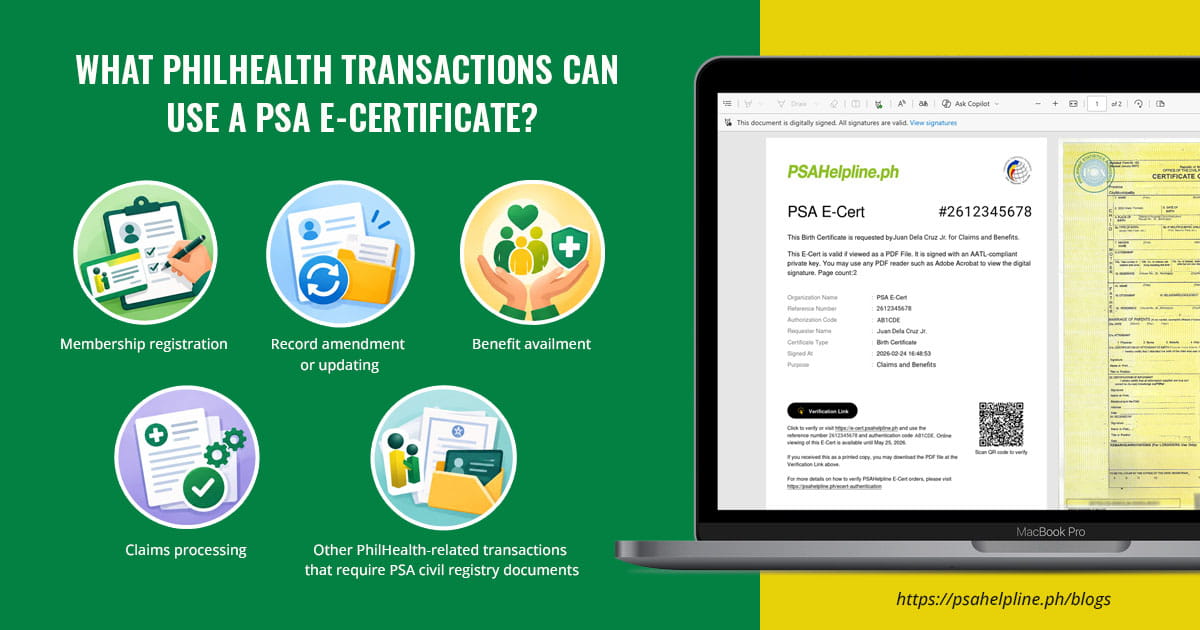
PhilHealth's announcement states that PSA E-Certificates shall be accepted, where applicable, for:
- Membership registration
- Record amendment or updating
- Benefit availment
- Claims processing
- Other PhilHealth-related transactions that require PSA civil registry documents
The announcement applies to both onsite and online transactions.
However, this does not mean that a PSA document is required for all PhilHealth transactions. The need for a civil registry document will depend on the specific transaction and applicable requirements.
A More Convenient Option When You Need a PSA Document for PhilHealth
PhilHealth's new policy is part of the government's broader push toward recognizing digital documents and improving government service delivery.
For Filipinos, the practical benefit is simple: if a PhilHealth transaction requires a PSA civil registry document, you now have the option of submitting an officially issued PSA E-Certificate, where applicable.
That can be especially useful when you are:
- Registering for PhilHealth or completing membership requirements
- Updating your PhilHealth records
- Adding or documenting a dependent
- Availing of applicable PhilHealth benefits
- Processing a claim
- Completing another PhilHealth transaction that requires a PSA civil registry document
Instead of treating a digital copy as merely a substitute for a piece of paper, PhilHealth's announcement recognizes the PSA E-Certificate as a secure, verifiable, and legally recognized alternative to the PSA-issued paper certificate.
What Filipinos Should Remember
PhilHealth's acceptance of PSA E-Certificates makes it easier to use official civil registry documents in both digital and physical transactions.
Just remember these three things:
First, make sure you request an official PSA E-Certificate. A screenshot, photograph, or ordinary scanned copy is not the same as an official digitally signed E-Certificate.
Second, submit the original digital PDF for online transactions so its verification features remain intact.
Third, check the specific requirements of your PhilHealth transaction. Not every PhilHealth transaction requires a PSA document, and additional supporting documents may still be required depending on your situation.
For Filipinos who need a PSA document for PhilHealth, the ability to request and submit an official PSA E-Certificate online provides another practical way to complete important government transactions.
Frequently Asked Questions About PSA E-Certificates and PhilHealth
Can I use a PSA E-Certificate for PhilHealth membership registration?
Yes, when the applicable membership registration requirement calls for a PSA civil registry document. PhilHealth's September 23, 2026 announcement specifically states that PSA E-Certificates shall be accepted for membership registration and other applicable transactions.
Can I use a PSA E-Certificate when updating my PhilHealth records?
Yes. PhilHealth has directed concerned offices and stakeholders to recognize and accept PSA E-Certificates for record amendment or updating, where a PSA civil registry document is required.
Can I use a PSA E-Certificate for my dependent's PhilHealth requirements?
It may be used when the applicable dependent-related transaction requires a PSA civil registry document and permits submission of an E-Certificate. The particular document required will depend on the relationship being established and the transaction.
Can I use a PSA E-Certificate for a PhilHealth claim?
Yes, where the claim or related transaction requires a PSA civil registry document. PhilHealth's announcement expressly includes claims processing among the transactions covered by its acceptance of PSA E-Certificates.
Can I submit my PSA E-Certificate through the PhilHealth Member Portal?
Yes, for applicable transactions that require a PSA civil registry document. PhilHealth specifically states that a clear and legible digital copy of the E-Certificate may be uploaded through the PhilHealth Member Portal.
Do I need to print my PSA E-Certificate before submitting it to PhilHealth?
Not necessarily. For online submissions through the PhilHealth Member Portal, PhilHealth states that a clear and legible digital copy should be uploaded. For onsite transactions, a printed copy may be presented and must be clear and legible.
Can I submit a screenshot of my PSA E-Certificate to PhilHealth?
You should submit the original downloaded PDF when an electronic file is requested. A screenshot does not preserve the original digital document and its complete verification features.
What if I already have a printed PSA E-Certificate?
For an onsite PhilHealth transaction, you may present a printed copy when the transaction requires a PSA civil registry document. PhilHealth specifically states that the printed E-Certificate must be clear and legible.
Does PhilHealth's announcement mean I no longer need physical PSA certificates?
Not necessarily. PhilHealth's announcement means PSA E-Certificates shall be honored and accepted for applicable transactions requiring PSA civil registry documents. It does not eliminate the availability or use of physical PSA certificates.
Do I still need to check PhilHealth's requirements before submitting my PSA E-Certificate?
Yes. PhilHealth's acceptance applies to transactions where a PSA civil registry document is required and applicable. Other supporting documents or requirements may still apply depending on the transaction and the member's circumstances.
Can a PSA E-Certificate be used by both new and existing PhilHealth members?
Yes, where applicable. PhilHealth's announcement covers membership registration, record amendment or updating, benefit availment, claims processing, and other PhilHealth-related transactions requiring PSA civil registry documents.
Where can I request a PSA E-Certificate for my PhilHealth transaction?
You can request a PSA E-Certificate online through PSAHelpline.ph. The service provides digital versions of PSA Birth, Marriage, and Death Certificates, CENOMAR, and CENODEATH.