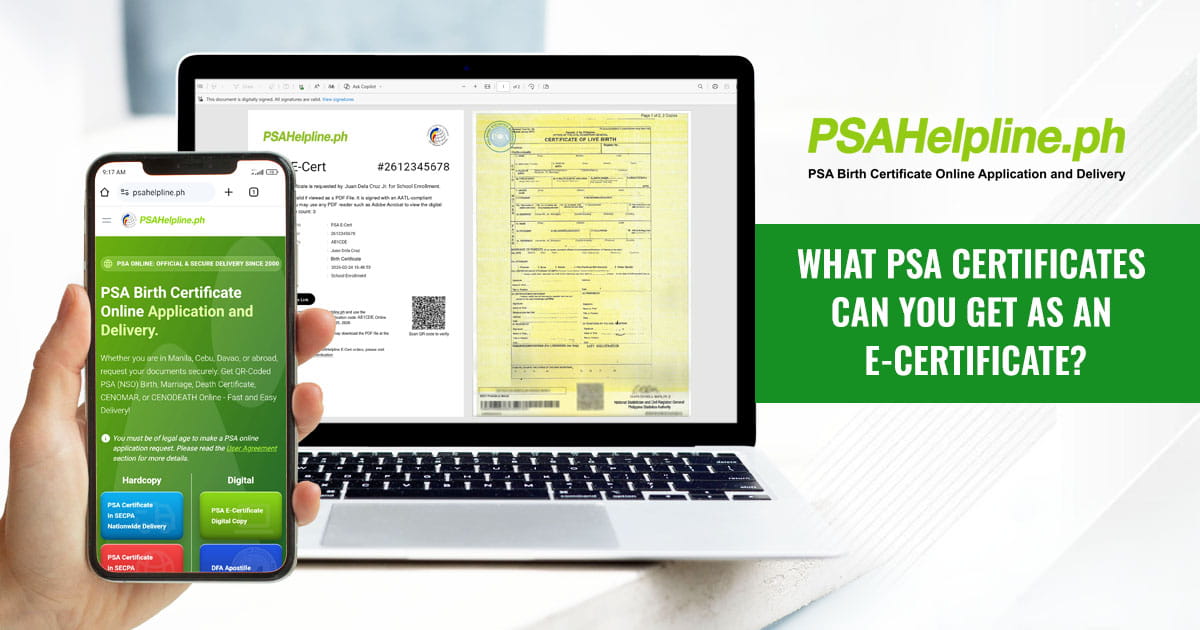
If you need an official civil registry document for a fast-moving application, waiting for physical delivery is not always practical. The PSA E-Certificate Service offers an alternative by allowing you to obtain, submit, and verify official civil registry documents completely online.
Rather than a simple photograph or scanned paper copy, an E-Certificate is an official, digitally signed PDF generated directly from the Philippine Statistics Authority (PSA) database. It features cryptographic security, an Adobe Approved Trust List (AATL) signature, an embedded QR code, and unique reference credentials that allow institutions to instantly check its authenticity.
The PSA E-Certificate Service covers five major civil registry documents and certifications.
The 5 PSA Documents Available as an E-Certificate
1. PSA Birth Certificate
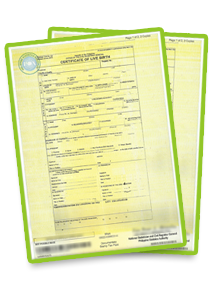
A PSA Birth Certificate is the official legal document containing an individual’s registered birth records. It remains the primary identity verification document across the Philippines.
- Common Uses: Passport and visa applications, school admissions, employment onboarding, and opening bank accounts.
- Why Get the E-Certificate Version? Instead of snapping a phone photo of a paper copy, which many formal portals reject, the digital PSA E-Certificate delivers a high-resolution, perfectly clear PDF with built-in digital signature validation.
2. PSA Marriage Certificate
A PSA Marriage Certificate is the official record proving a legal marriage contract registered with the civil registry.
- Common Uses: Updating legal surnames, applying for spousal health insurance coverage, joint loan applications, and legal property transactions.
- Why Get the E-Certificate Version? It allows spouses to submit official documentation directly to HR departments, banks, or online government platforms without waiting for postal delivery.
3. PSA Death Certificate
A PSA Death Certificate details the registered information regarding an individual’s passing.
- Common Uses: Processing life insurance claims, settling bank account transfers, managing estate distributions, and updating official family records.
- Why Get the E-Certificate Version? It eliminates administrative delays for families settling legal and financial affairs by providing instant access to a verifiable copy as soon as the PSA releases the record.
4. Certificate of No Marriage Record (CENOMAR)
Also known as an Advisory on Marriages in cases where previous marriage details are recorded, a CENOMAR certifies that an individual has no registered record of marriage in the national database.
- Common Uses: Marriage license applications, foreign visa processing, K-1/fiancé visas, and legal single-status verification.
- Why Get the E-Certificate Version? Time-sensitive marriage applications and foreign embassy filings benefit from the instant verification features embedded in the digital file.
5. Certificate of No Death Record (CENODEATH)
A CENODEATH is an official certification confirming that no record of death exists for a specific individual within the PSA database. When a death record is found, an Advisory on Deaths is issued instead.
- Common Uses: Pensioner verification checks, legal identity confirmations, complex estate proceedings, and resolving administrative identity discrepancies.
- Why Get the E-Certificate Version? It gives institutions instant, paperless proof when confirming an individual’s active status or resolving legal record gaps.
How Receiving Offices Verify Your Digital Document
Any recipient, whether a university, HR department, or government agency, can confirm that your PSA E-Certificate is genuine using one of three integrated validation methods:
- QR Code Scanning: The cover page features a QR code that opens the official verification portal when scanned with a mobile device.
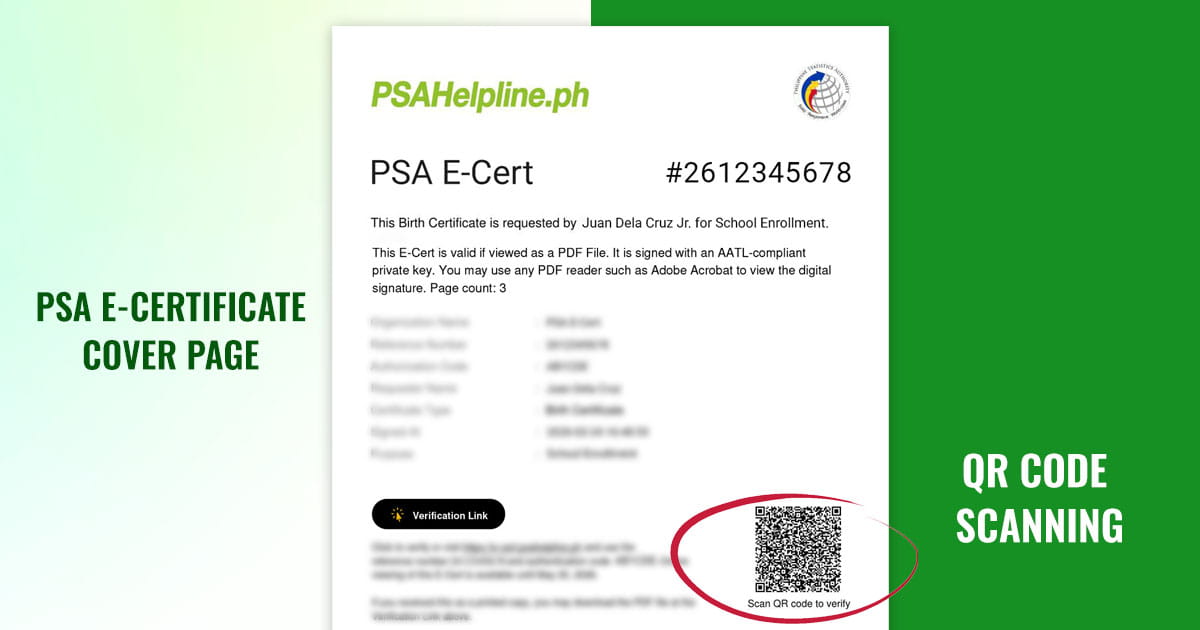
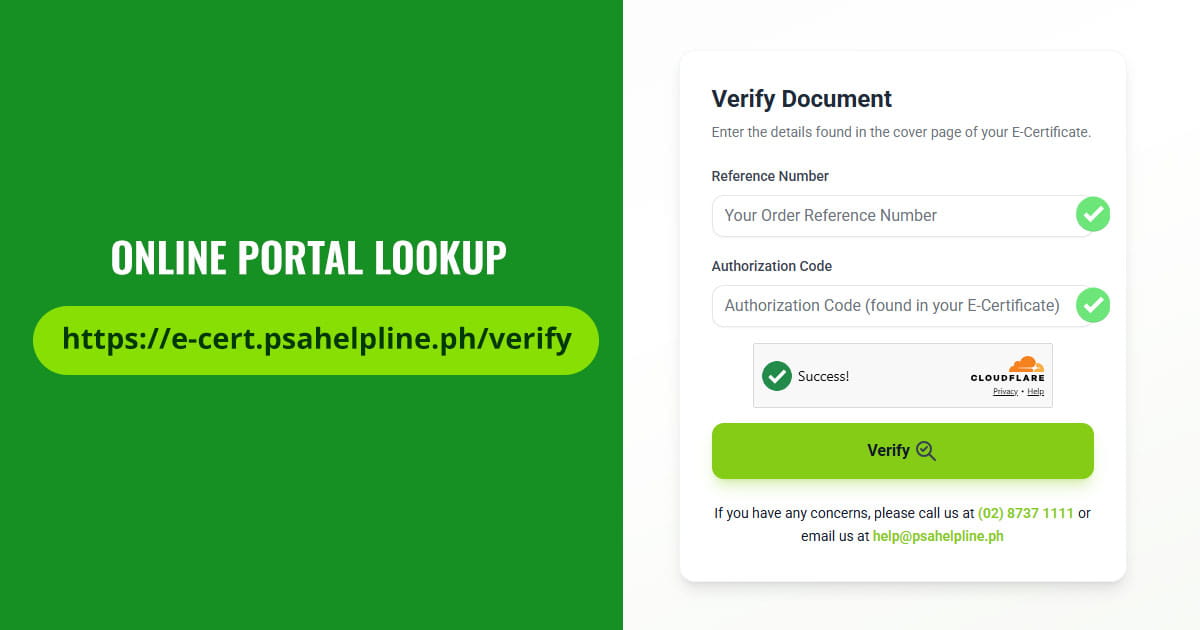
- Online Portal Lookup: Receiving officers can manually enter the document’s Reference Code and Authorization Number directly on the official verification website.
- Adobe Digital Signature Check: When opened in Adobe Acrobat Reader, the file displays an active Adobe Approved Trust List (AATL) cryptographic signature, confirming the file has not been altered or tampered with.
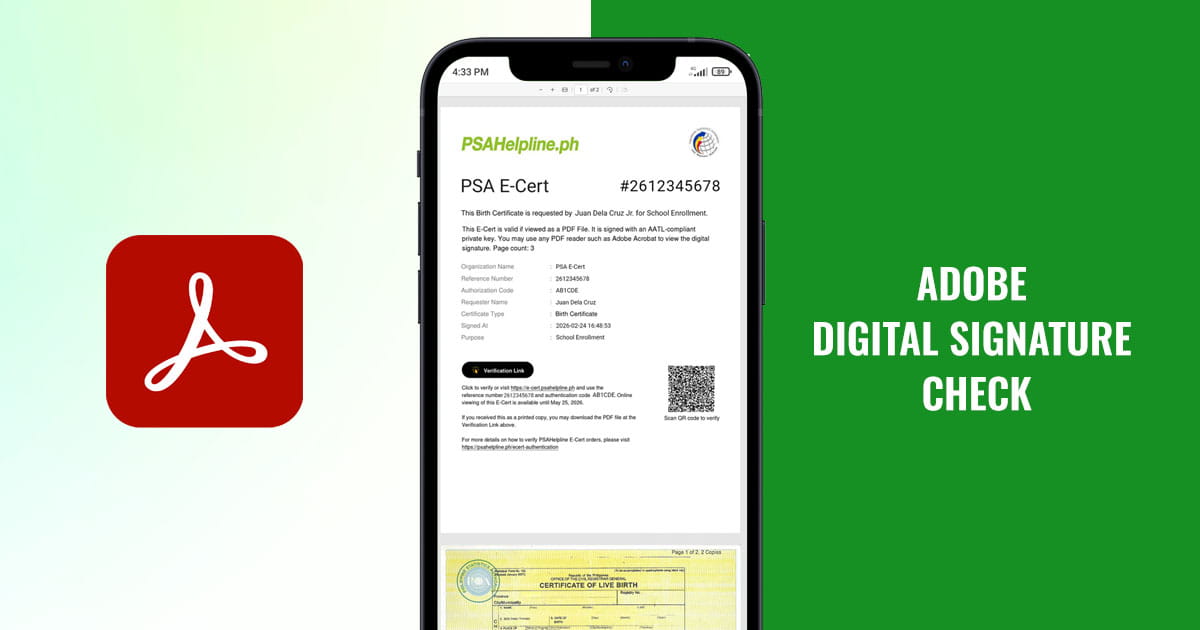
Important Submission Tip: When sending your E-Certificate to an organization, always send or upload the original downloaded PDF file. Do not send a screenshot, photo, or printed scan, as doing so strips away the file’s digital signature and active QR verification tools.
How to Request Your PSA E-Certificate on PSAHelpline.ph
You can order any of the five available digital documents through a fully online process:
- Select Your Document: Head to PSAHelpline.ph, choose the E-Certificate option, and pick the specific document you need (Birth, Marriage, Death, CENOMAR, or CENODEATH).
- Enter Requester Details: Fill out the online application form with the required record details and specify the purpose of your request.
- Pay Online: Complete your payment using your preferred online payment channel.
- Complete Identity Verification: Upload a valid government-issued ID and perform a quick real-time selfie liveness check to ensure your sensitive records remain protected.
- Download Your Document: Once approved and released by the PSA, you will receive a secure download link to access your digitally signed PDF E-Certificate.
If you need a fast, secure, and verifiable copy of your civil registry records without waiting for physical delivery, request your PSA E-Certificate online at PSAHelpline.ph today.