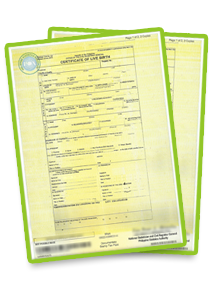
There are two ways to verify the authenticity of the PSA E-Cert: by Scanning the QR code or by Accessing the E-Cert Portal link. Please follow the instructions below for your preferred method:
Method 1: Scanning the QR Code
- Scan the QR code: Scan the QR code on the cover page of the e-cert using any standard scanner.
- Validate the Document: Once redirected to the E-Cert portal, you can validate the document.
- View PDF: At the bottom of the page, click the “View PDF” button to see the digital copy of the PSA certificate.
Method 2: Accessing the E-Cert Portal Link
- Access the PSA E-Cert Portal: Click or visit https://e-cert.psahelpline.ph. You will be directed to the PSA E-Cert Portal.
- Enter E-Cert Verification Details: Enter the 10-digit order reference number and the authentication code found on the E-Cert's cover page.
- Validate the Document: Once logged in, you can check and validate the e-cert.
- View PDF: At the bottom of the page, click the “View PDF” button to see the digital copy of the PSA certificate.