Opening a bank account or upgrading an e-wallet in the Philippines used to require a stack of physical papers and long waits at a branch. Today, digital banks and fintech platforms allow you to complete your Know Your Customer (KYC) identity verification directly from your smartphone.
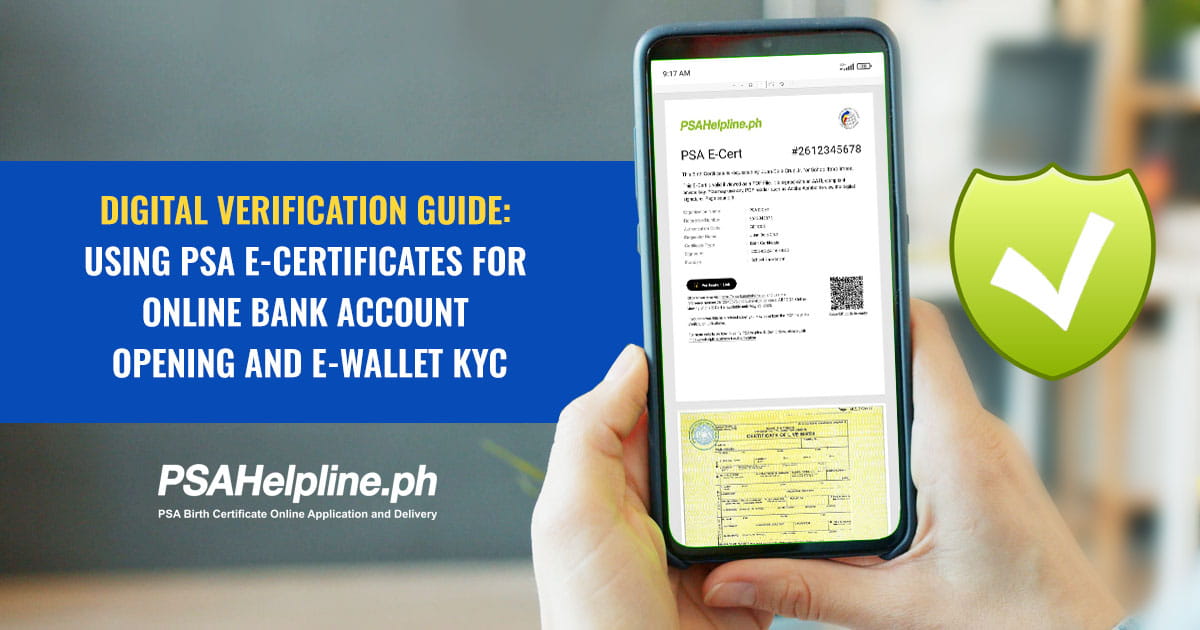
Central to this digital transition is the PSA E-Certificate: an officially recognized digital version of your civil registry documents issued under PSA Memorandum Circular No. 2026-10.
If you are applying for a savings account, personal loan, or higher-tier digital wallet limit, this guide explains how to use your PSA certificate online for seamless e-wallet and bank KYC verification.
Table of Contents
- What is a PSA E-Certificate?
- How Financial Institutions Verify Your Digital PSA Certificate
- Step-by-Step: How to Upload Your PSA E-Certificate for KYC
- How to Request Your PSA Birth Certificate and E-Cert Online
- Frequently Asked Questions (FAQs)
What is a PSA E-Certificate?
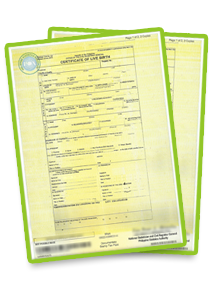
The PSA E-Certificate is an official digital copy of your civil registry documents, including your PSA birth certificate, marriage certificate, death certificate, CENOMAR, or CENODEATH. It carries the same legal weight as a physical paper document printed on Security Paper (SECPA).
Key Features of the PSA E-Certificate:
- Adobe Approved Trust List (AATL) Digital Signature: Ensures the PDF file is authentic and protects against unauthorized modifications.
- SECPA and Digital QR Codes: Allows banks, employers, and government institutions to perform instant online document authentication.
- Biometric and ID Protection: Ordered securely via PSAHelpline.ph using real-time facial liveness checks and government ID verification.
How Financial Institutions Verify Your Digital PSA Certificate
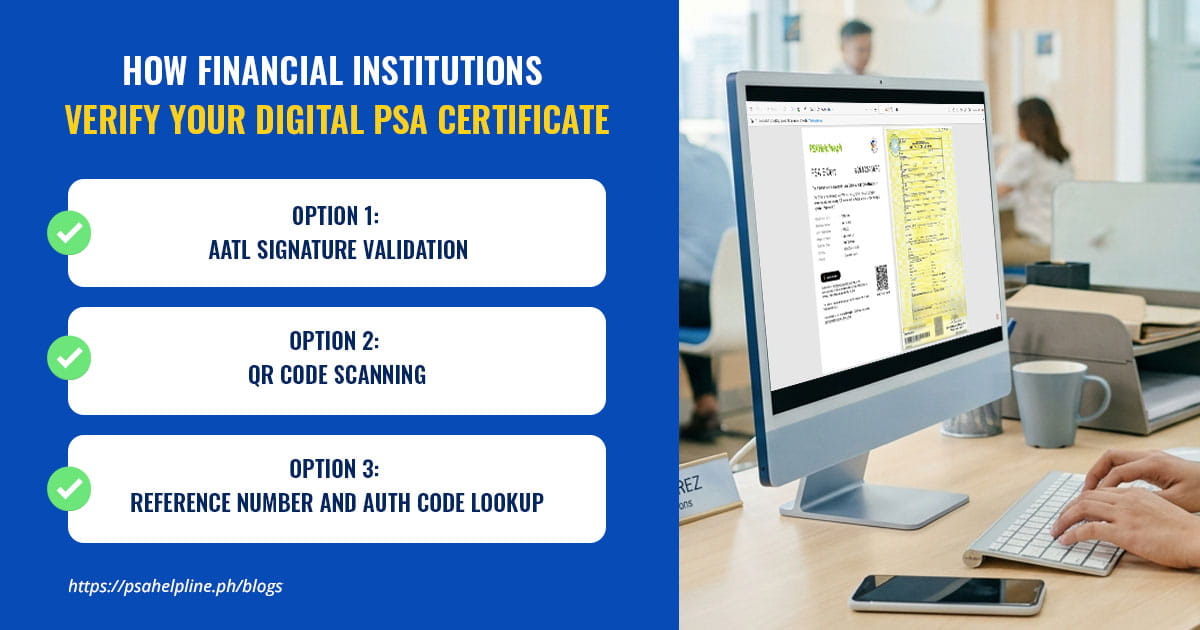
Unlike paper certificates that require manual scanning and physical storage, digital banks use cryptographically secured verification gateways to validate your PDF.
- AATL Signature Validation: When uploaded to the bank’s portal, the system validates the embedded Adobe cryptographic signature to ensure the document has not been altered.
- QR Code Scanning: Compliance officers and automated systems scan the QR code printed on the PDF using the official PSA verification app. Alternatively, any QR code scanner may also be used to scan the QR code on the cover page that comes with every PSA E-Certificate PDF copy.
- Reference Number and Auth Code Lookup: Financial institutions cross-check the Reference Number and Authentication Code (found on the cover page) directly through e-cert.psahelpline.ph to view the original record held in the secure registry vault.
Step-by-Step: How to Upload Your PSA E-Certificate for KYC
To avoid document rejection during your bank application or e-wallet upgrade, follow these upload guidelines:
- Download the Original File: Ensure you save the original, pristine PDF file directly from your PSA online order portal and delivery email.
- Do Not Alter or Re-save as Image: Do not screenshot or re-export the PDF into JPG format unless specifically requested by the app, as this destroys the embedded AATL digital signature.
- Select the Correct File Option: On your banking app or web portal, choose “Upload File/PDF” rather than taking a live photo of a screen.
- Match Personal Details Exactly: Ensure the full name, birthdate, and parent details on your banking application match your PSA birth certificate word-for-word.
How to Request Your PSA Birth Certificate and E-Cert Online
If you need a digital E-Cert or a physical birth certificate delivery for your bank records, you can complete the entire process online via PSAHelpline.ph:
-
Place Your Request Online
Visit PSAHelpline.ph or access PSAHelpline directly in the eGovPH superapp. It is also available in the GCash app via GLife. Select the civil registry document you need (e.g., PSA birth certificate, marriage certificate or CENOMAR).
-
Select Your Preferred Delivery Format
Choose the PSA E-Certificate option for instant digital PDF access, or opt for traditional PSA delivery to receive your printed security paper (SECPA) copy via courier.
-
Complete Identity and Biometric Verification
Upload a valid government ID and complete a quick facial liveness check to confirm your identity.
-
Receive and Save Your Document
Once processed, download your AATL-signed PDF file directly to your smartphone or laptop, ready for bank onboarding and KYC uploads.
Frequently Asked Questions (FAQs)
Can banks reject a digital PSA E-Certificate?
Under PSA Memorandum Circular No. 2026-10, government offices and private institutions are officially urged to recognize and accept the digital PSA E-Cert. If a bank representative hesitates, you can present MC No. 2026-10 or direct them to verify the file via e-cert.psahelpline.ph.
Is a digital PSA birth certificate safe to use?
Yes. Unlike paper certificates, which can be lost or visually counterfeited, an E-Cert contains AATL digital encryption and live QR code validation, preventing unauthorized edits and identity theft.
Can I get both an E-Cert and physical birth certificate delivery?
Yes. Through PSAHelpline.ph, you can request your PSA certificate online in digital format for immediate use while scheduling a physical PSA delivery to your home address for long-term record-keeping.