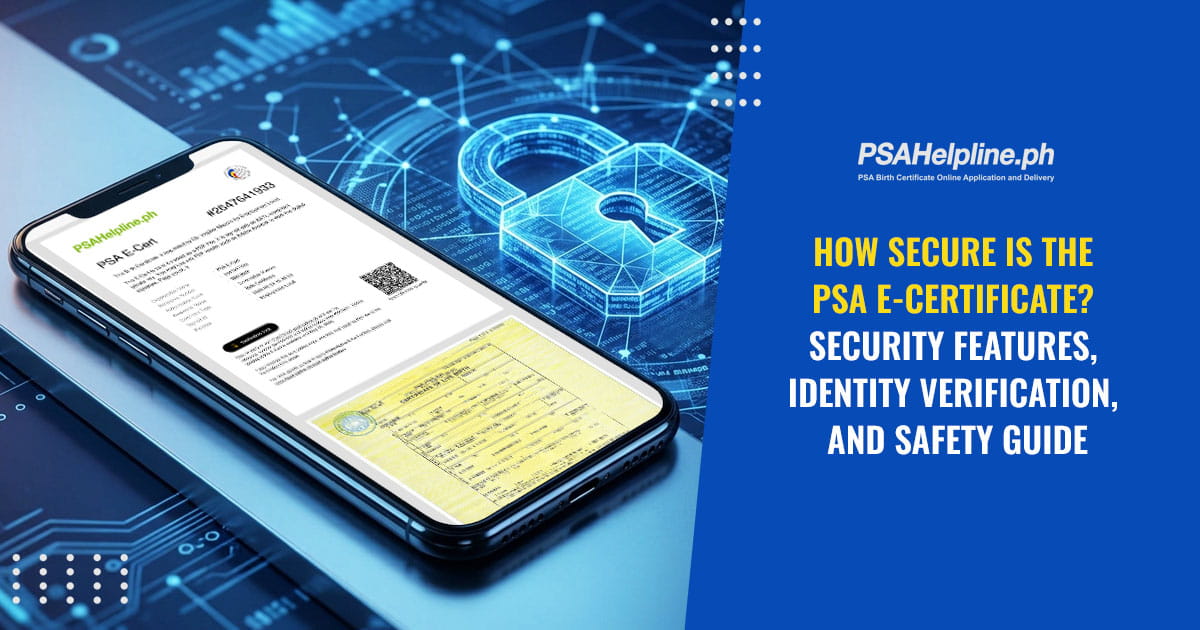
As the Philippines accelerates its transition toward digital governance, online security has become paramount. Civil registry documents such as birth, marriage, or death certificates contain sensitive personal data. Ensuring that these digital records remain confidential and tamper-proof is critical when moving away from physical paperwork.
The PSA E-Certificate Service provides a seamless, highly secure digital option. Engineered with cryptographic protections and strict identity verification protocols, the service ensures that getting and using your digital civil registry documents online is safe, verified, and convenient.
Table of Contents
- The 5 Pillars of PSA E-Certificate Security and Reliability
- Identity Verification: Why Safety Comes After Payment
- Instant, Multi-Layered Document Verification for Institutions
- What Exactly is a PSA E-Cert?
- Eligibility and Ordering Rules (Legal Age and Relationships)
- Step-by-Step Guide: Ordering Your E-Cert
- Frequently Asked Questions (FAQs)
The 5 Pillars of PSA E-Certificate Security and Reliability
The PSA E-Certificate architecture relies on five security and operational standards:
| Pillar | Security and Convenience Focus |
|---|---|
| Tamper-Proof Safeguards | Built with advanced cryptographic protections that make forging or altering the file virtually impossible. |
| Instant Verification | Equipped with embedded QR codes and dedicated web verification portals for real-time authenticity checks. |
| 100% Authentic and Legal | Backed by an official Adobe Approved Trust List (AATL) digital signature, carrying identical legal validity to traditional physical copies. |
| 24/7 Availability | Access your document anytime, anywhere, completely eliminating office queues or physical waiting hours. |
| Eco-Friendly Efficiency | Paperless and digital delivery reduces shipping carbon footprints, physical storage overhead, and delivery wait times. |
Identity Verification: Why Safety Comes After Payment
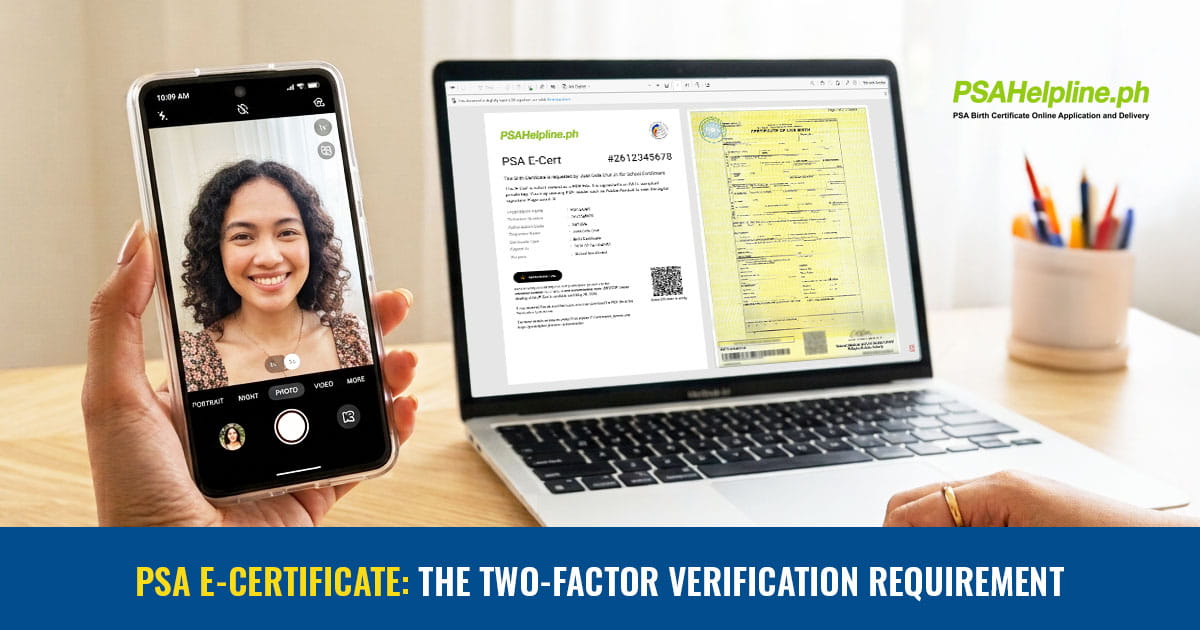
Unlike standard e-commerce orders, receiving a PSA E-Cert requires an additional security layer after payment processing. Because civil registry documents contain sensitive identifying information, the platform enforces post-payment identity verification to guarantee that your document is released only to you or an authorized requester.
The Two-Factor Verification Requirement
Once your payment is confirmed, the platform prompts you to complete two mandatory security checks:
- Government ID Verification: You must upload a clear photo of a valid government-issued ID (e.g., Passport, UMID, Driver’s License).
- Real-time Liveness Check: You perform a quick, automated facial selfie scan via your camera.
The system matches your biometric scan in real time against your uploaded ID. This prevents identity theft, stops fraud, and ensures that unauthorized third parties cannot access or view your civil registry record.
Instant, Multi-Layered Document Verification for Institutions
When you submit your PSA E-Certificate to employers, banks, universities, or government agencies, those stakeholders can verify its authenticity instantly through multiple channels:
- AATL Cryptographic Signature: Each document is digitally signed using the Adobe Approved Trust List (AATL). When opened in Adobe Acrobat Reader, an active security badge confirms the signature is valid and the content has not been modified since issuance.
- Embedded QR Code: Stakeholders can scan the QR code located on the document cover page using any type of QR code scanner.
- Verification Portal and Reference Codes: Receptions and HR officers can visit the official online verification portal and input the document’s Reference Number and Authorization Code to pull up document status.
- Direct File Tamper Check: High volume institutions can upload the original PDF file directly to the validation portal or utilize API integrations to auto-verify documents on their backend.
Crucial Submission Tip: Always upload or forward the original downloaded PDF file. Do not submit a photo, screenshot, or printed paper scan of the PSA E-Certificate. Taking a screenshot strips away the active AATL digital signature and disables the digital validation features.
What Exactly is a PSA E-Cert?
The PSA E-Certificate bridges the gap between official paper records and modern online workflows. It is an exact, high-resolution scanned digital PDF copy of your physical civil registry document issued straight from the Philippine Statistics Authority database.
It serves as a verifiable alternative to physical paper, enabling fast, remote submissions without relying on physical mail or courier schedules.
Eligibility and Ordering Rules (Legal Age and Relationships)
Age Requirement
Legal Age Only: To protect public records and ensure accountability, only persons of legal age (18 years old and above) are eligible to request and apply for a PSA E-Certificate. Minors cannot place orders independently.
Authorized Requests for Family Members
Due to strict privacy and confidentiality regulations, you can only request E-Certificates for yourself or specific immediate family members:
-
Birth, Marriage, CENOMAR, and CENODEATH Certificates:
- Yourself
- Your children
- Your parents
-
Death Certificate:
- Your legal spouse
- Your children
- Your parents
Step-by-Step Guide: Ordering Your E-Cert
Ordering a PSA E-Cert is designed to be completed in four straightforward steps:
- Fill Application: Navigate to the online portal, choose the civil document type needed (Birth, Marriage, Death, CENOMAR, or CENODEATH), and enter the details.
- Make Payment: Pay through secure integrated online channels (such as credit/debit cards, e-wallets, or online banking).
- Verify Identity: Right after payment, complete your verification by uploading a valid government-issued ID and taking a real-time liveness selfie scan.
- Receive and Download: Once your identity is verified and the PSA releases the record, you will receive a secure notification link in your registered email address to view and download your AATL-signed PDF E-Certificate directly.
Frequently Asked Questions (FAQs)
How long is my E-Cert available for download?
While the civil registry record itself remains valid, the viewable online copy is accessible via the Customer Service Portal for 60 days from the time it was viewed or downloaded. It is strongly recommended to download and save the official PDF file to your local secure storage immediately.
Can I use the E-Cert for all legal and employment purposes?
Yes. The PSA E-Certificate carries the same legal authority as a traditional paper document. It is widely accepted by employers, educational institutions, and financial organizations.
What happens if my liveness selfie scan does not match my uploaded ID?
If the automated real-time verification system detects a discrepancy, you will be prompted to re-take the selfie or re-upload a clearer copy of your government ID to complete the verification before document release.