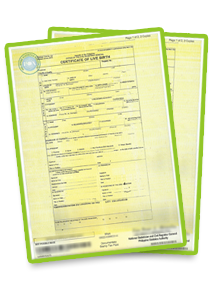
Waiting for your PSA birth certificate or another civil registry document can be stressful, especially when you need it for a passport application, school enrollment, employment, or an important transaction.
If you ordered through PSAHelpline.ph, you can check your order status online using your reference number. Depending on the status, you may simply need to wait for processing, prepare for delivery, or contact customer support for assistance.
This guide explains how to track your order, what common status messages mean, and what to do if your certificate is delayed, cannot be located, or has a delivery or digital access problem.
Table of Contents
- How to track your PSAHelpline order online?
- What does the different order status mean?
- Why is your PSA certificate order delayed?
- What if the PSA cannot find your birth certificate record?
- What to do if your PSA certificate delivery fails
- What if you cannot access your PSA E-Certificate?
- How to contact PSAHelpline customer support
- Frequently Asked Questions
How to Track Your PSAHelpline Order Online
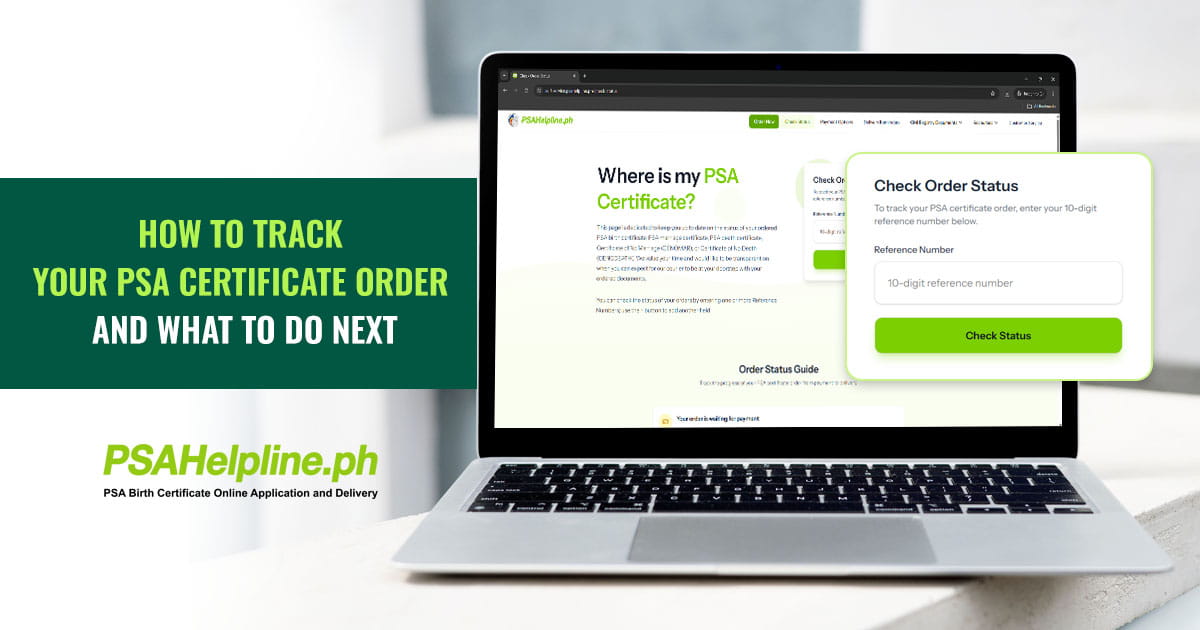
You can check the progress of your PSA certificate request through the PSAHelpline Order Status page.
Follow these steps:
- Open the order status page.
- Enter your 10-digit order reference number.
- Click the button to check your status.
- Review the status displayed for your order. If a delivery tracking link is available, use it to follow the courier’s progress.
You can find your reference number in your order confirmation and related notifications. Keep it handy whenever you contact customer support about your request.
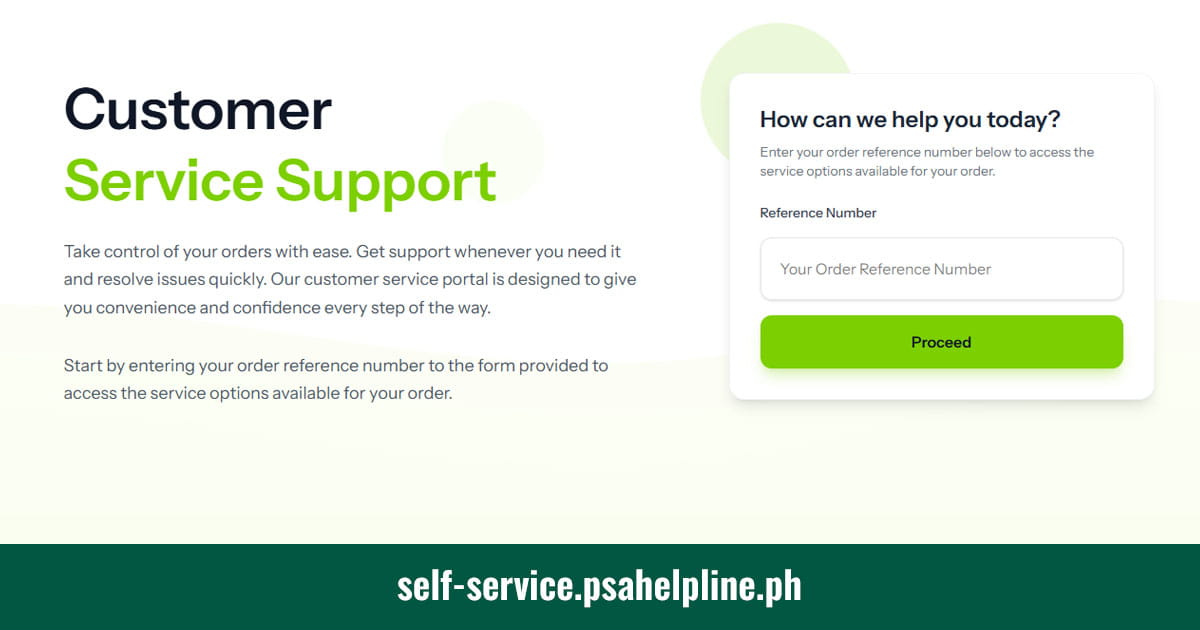
You can also use the PSAHelpline Customer Service portal to access the support options available for your order. Depending on your concern, the portal may ask you to enter your reference number and complete an additional verification step.
What do the different order statuses mean?
Your order status helps you understand which stage of the process your request has reached.
| Order Status | What It Means | What You Should Do |
|---|---|---|
| Waiting for Payment | Your order has been accepted by the system, but payment has not yet been posted. | Check your payment confirmation and the payment status. Follow the payment instructions if payment is still pending. |
| Already Paid | Your payment has been posted and your order is being processed. | Monitor your order status and notifications for updates. |
| Released at the PSA | The PSA has released the document for dispatch. | Watch for a notification that the order has been handed over to the courier. |
| Out for Delivery | Your document has been dispatched for delivery. | Make sure you or your properly authorized representative can receive it and present the required ID. Use the tracking link if provided. |
| Delivered | The order is recorded as successfully delivered. | If you have not actually received it, contact customer support and provide your reference number. |
These status descriptions are based on the PSAHelpline order tracking guide.
If the status does not seem to match what happened, for example, your order says “Delivered” but you did not receive it, contact PSAHelpline rather than placing another order immediately.
Why Is Your PSA Certificate Order Delayed?
PSAHelpline publishes the following general delivery estimates after the PSA releases the document:
- Metro Manila: The next day after PSA release
- Outside Metro Manila: Generally 3 to 8 working days after PSA release
These estimates do not mean every order will arrive within the period. The overall waiting time can be longer if additional processing is needed or if a delivery attempt is unsuccessful.
Your Order Requires Manual Verification
Some certificates cannot be retrieved immediately from the PSA’s digitized records. When this happens, the request may undergo manual verification, which involves searching the PSA’s archives for the document.
Manual verification usually adds around seven working days of processing. This is an additional processing estimate, not a guaranteed delivery date.
A manual verification status does not automatically mean that your request contains an error or that the record does not exist. It means additional work is needed to locate or process the document.
What you should do: Check your order notifications and status updates. If you need clarification about your particular request, contact customer support with your reference number.
Payment Has Not Yet Posted
If your status still says “Waiting for Payment,” the order may not have moved into processing because the payment has not yet been recorded.
Check the payment confirmation from your chosen payment channel and compare it with the order status. If you have already paid but the status remains unchanged, contact support and provide your reference number and payment details. Avoid sharing passwords or one-time verification codes.
The Delivery Attempt Was Unsuccessful
A delivery can fail if the owner or authorized requester is unavailable, the required identification is not presented, or the receiving arrangements do not meet the service’s requirements.
What you should do: Check your registered email address and mobile number for the delivery notification and instructions. Then access the Customer Service portal to review the options available for your order.
Your Address or Delivery Area Needs Attention
Some remote areas are outside the service’s delivery coverage. A delay may also occur when a courier cannot complete a delivery under local conditions or when the recipient is unavailable.
If you suspect an address or delivery issue, contact PSAHelpline before assuming the order has been lost. Provide your reference number and explain what happened.
For additional delivery guidance, see the PSAHelpline Delivery FAQ.
What if the PSA Cannot Find Your Birth Certificate Record?
Sometimes, a request results in a Negative Certification because the PSA cannot find the requested record in its database. This does not necessarily mean that the birth never occurred or that no record exists at the local civil registry.
Possible reasons include late registration, a record that has not been properly endorsed to the PSA, or a record that needs further investigation.
What is a PSA Negative Birth Certificate?
A negative certification is an official certification that the PSA could not find the corresponding record through its search. For a birth certificate request, it indicates that the requested birth record was not found in the PSA’s database.
It is not the same as a birth certificate, and it does not by itself establish that the birth was never registered.
What Should You Do If You Receive a Negative Certification?
If your order results in a Negative Certification, take the following steps:
- Keep the document and receipt. Retain the Negative Certification issued on Security Paper and the official receipt.
- Contact PSAHelpline for evaluation. Send an electronic copy of the issued certification and receipt to help@psahelpline.ph. Use the subject line: “Negative Certification for Validation for Reference Number (your reference number).”
- Wait for validation and reverification. PSAHelpline will evaluate the case and confirm whether the certification needs to be replaced.
- Contact the Local Civil Registry Office if needed. If the record needs to be located, endorsed, or corrected in the PSA database, the Local Civil Registry Office where the event was registered may be able to guide you on the next steps.
According to PSAHelpline’s Negative Certification FAQ, if validation and reverification confirm that the certification needs to be replaced, reissuance will be provided at no cost.
This applies to cases confirmed through that evaluation process; it should not be interpreted as a general refund or replacement guarantee for every unsuccessful order.
What to Do If Your PSA Certificate Delivery Fails
If your order is marked “Failed Delivery,” check your email and text messages for the reason and instructions. PSAHelpline may provide details about the failed attempt and, in certain situations, an option to reschedule through the customer service portal.
To help resolve the issue:
- Check the delivery notification. Review your inbox, spam folder, and SMS messages for instructions.
- Confirm who will receive the document. The owner or an authorized requester must meet the delivery requirements.
- Prepare an acceptable ID. The courier will ask for identification before releasing the certificate.
- Use the prescribed online Letter of Authorization process if needed. If someone else will receive the document, follow the online authorization procedure rather than relying on an informal letter.
- Check the portal for available options. Visit the PSAHelpline Customer Service portal and enter your reference number to see which actions are available.
If you cannot reschedule online or are unsure why the attempt failed, contact customer support.
For more details, read the PSAHelpline delivery concern guide.
What If You Cannot Access Your PSA E-Certificate?
If you ordered a digital PSA E-Certificate but cannot find or open it, start by checking the order status and the instructions sent to your registered email address.
You Have Paid but Have Not Received the Access Instructions
Check your inbox, spam, and junk folders for messages related to your order. Confirm that you are checking the email address used during the application.
If your payment has posted but you still cannot find the instructions, access the PSAHelpline Customer Service portal or email help@psahelpline.ph. Include your reference number and explain that you need help accessing your E-Certificate.
Your E-Certificate Link Does Not Work
Make sure you are using the link provided through the official service and follow the access instructions for your order. If the link remains inaccessible, contact support rather than using an unofficial website or sharing your document details with an unverified person.
You Need to Verify Your E-Certificate
The PSA E-Certificate includes a QR code and authentication details that can be used to verify the document.
You can visit the PSA E-Certificate verification portal and follow the instructions to validate your document using the reference number and authentication code shown on its cover page. You can also scan the QR code on the cover page to access the verification portal.
Remember the Access Period
For the PSA E-Certificate service, the document is available for up to one year from the date it was scanned. Once you download it, a separate 60-day access period begins on the download date.
If you have already downloaded the PDF, keep the original file in a secure location. Avoid relying on screenshots or photographs as substitutes for the original digital document.
For a complete explanation of the service, read the PSA E-Certificate guide.
How to Contact PSAHelpline Customer Support
If your order status does not explain the problem or you need help with a specific request, contact PSAHelpline through its published support channels.
- Email: help@psahelpline.ph
- Phone: (02) 8737-1111
- Phone Support Hours: Monday to Saturday, 8:00 AM to 5:00 PM, except holidays
- Email Support: Available 24/7
- Online Support: PSAHelpline Customer Service portal
To help the team review your concern, include your 10-digit reference number, the status shown on the website, and a clear description of the issue. If relevant, provide the payment confirmation or delivery notification requested by customer support.
Do not include passwords or one-time verification codes in your email.
Frequently Asked Questions
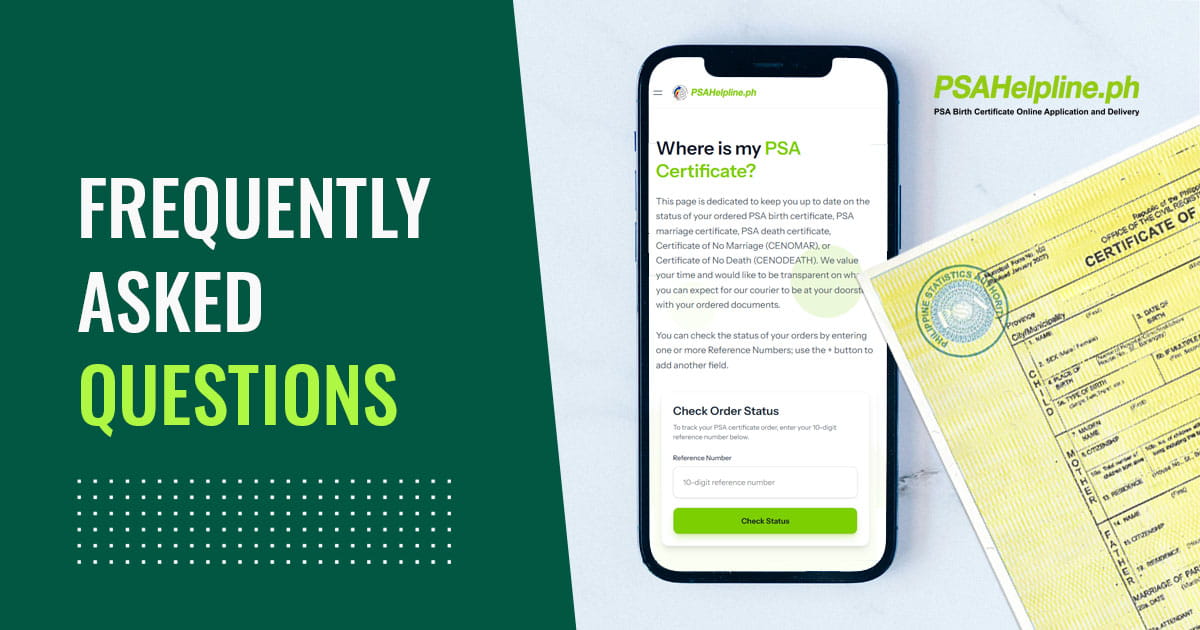
How do I track my PSAHelpline order online?
Visit the PSAHelpline Order Status page, enter your 10-digit reference number, and review the status displayed. If a courier tracking link is provided, use it to check delivery progress.
Where can I find my PSAHelpline reference number?
Look for it in your order confirmation and related notifications. The 10-digit number identifies your order and is needed when checking its status or contacting customer support.
What does “Already Paid” mean on my PSA order?
It means your payment has posted and your order is being processed. It does not mean that the certificate has already been released by the PSA or dispatched for delivery.
How long should I wait before following up on a delayed PSA certificate?
Check the current order status and compare it with the published delivery estimates: next day after PSA release for Metro Manila and generally 3-8 working days for provincial destinations. Manual verification may add around seven working days for processing. If the status is unclear, the expected period has passed, or you have an urgent concern, contact PSAHelpline with your reference number.
Does manual verification mean the PSA cannot find my birth certificate?
No. Manual verification generally means the certificate cannot be immediately retrieved from the digitized database and needs to be searched for in the PSA’s archives. It does not automatically mean that the record does not exist.
What should I do if the PSA issues a Negative Certification for my birth certificate?
Keep the issued certification and receipt, then email copies to help@psahelpline.ph for evaluation. You may also need to contact the Local Civil Registry office where the birth was registered to determine whether further endorsement or registration steps are required.
What happens if my PSA certificate delivery fails?
Check the email and SMS notifications for the reason and instructions. Then access the Customer Service portal to see whether you can reschedule the delivery. Make sure the owner or properly authorized representative is available with acceptable identification.
Can someone else receive my PSA certificate for me?
A representative may receive the order if the service’s requirements are met. Follow the prescribed online Letter of Authorization process and make sure your representative is available at the registered delivery address with the required identification.
What should I do if I paid for a PSA E-Certificate but cannot access it?
Check your registered email’s inbox and spam folders, then review your order status. If you still cannot access the document, use the Customer Service portal or email help@psahelpline.ph with your reference number and a description of the problem.
Can I get a refund or free replacement if my PSA order cannot be completed?
The outcome depends on the circumstances and the service’s applicable terms. For a Negative Certification, PSAHelpline provides an evaluation process; if validation or reverification confirms that the certification needs to be replaced, reissuance is provided at no cost. Contact customer support for guidance on other cases rather than assuming a refund or replacement is automatic.
Need Help With Your PSA Certificate Order?
A delayed order does not always mean something has gone wrong. The request may still be processing, undergoing manual verification, or waiting for a successful delivery attempt. Checking the status first can help you understand what is happening and what to do next.
If your order needs attention, keep your reference number handy and use the official PSAHelpline support channels to get assistance.
Check your PSAHelpline order status or visit the Customer Service portal to review the support options available for your order.